
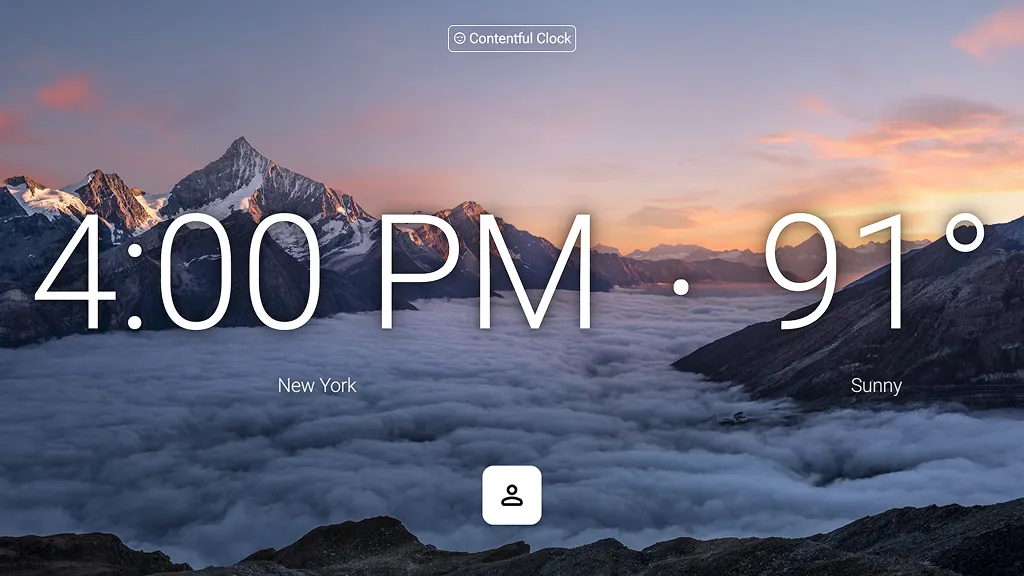

Design to code with AI in Figma Make
Describe the experience you want to build. Figma Make turns your designs into working, editable code—ready to test, share, or refine.
Go from design to functional code with AI

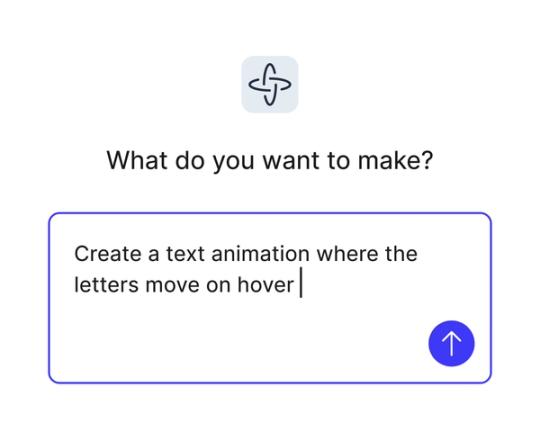
Generate code with natural language
Start with a frame and describe what you want. Figma Make outputs editable, functional code—so you can move from mockup to testable prototype faster.

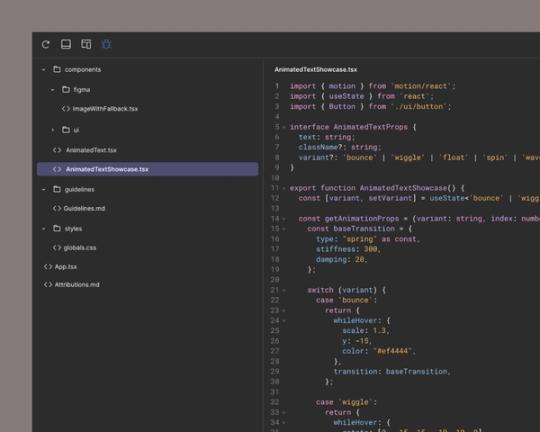
Edit and inspect the output
Use the built-in code editor to inspect, tweak, and extend the code that powers your design.

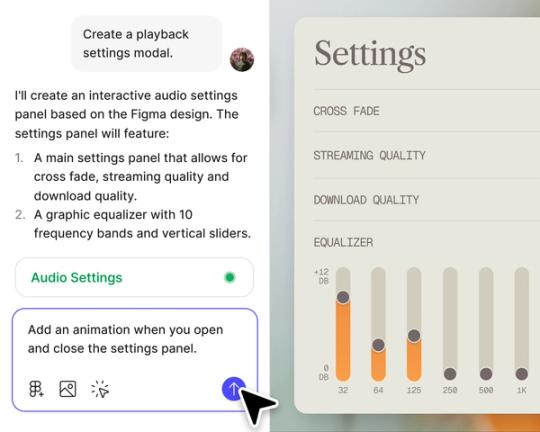
Design and develop in the same space
No more switching tools or rebuilding from scratch. Figma Make lets you prototype and adjust the code in one seamless workflow.

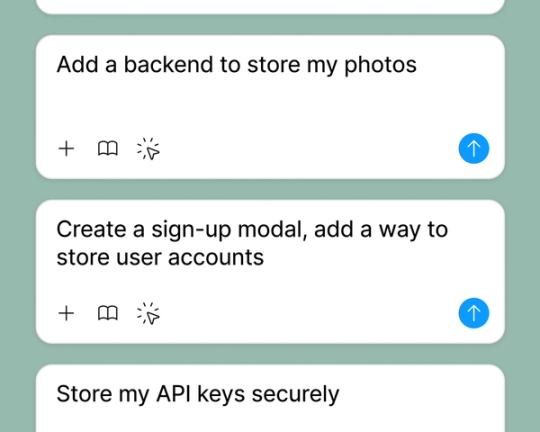
Share or publish your prototype
Share with just your teammates or launch for all users.
Built by real teams.
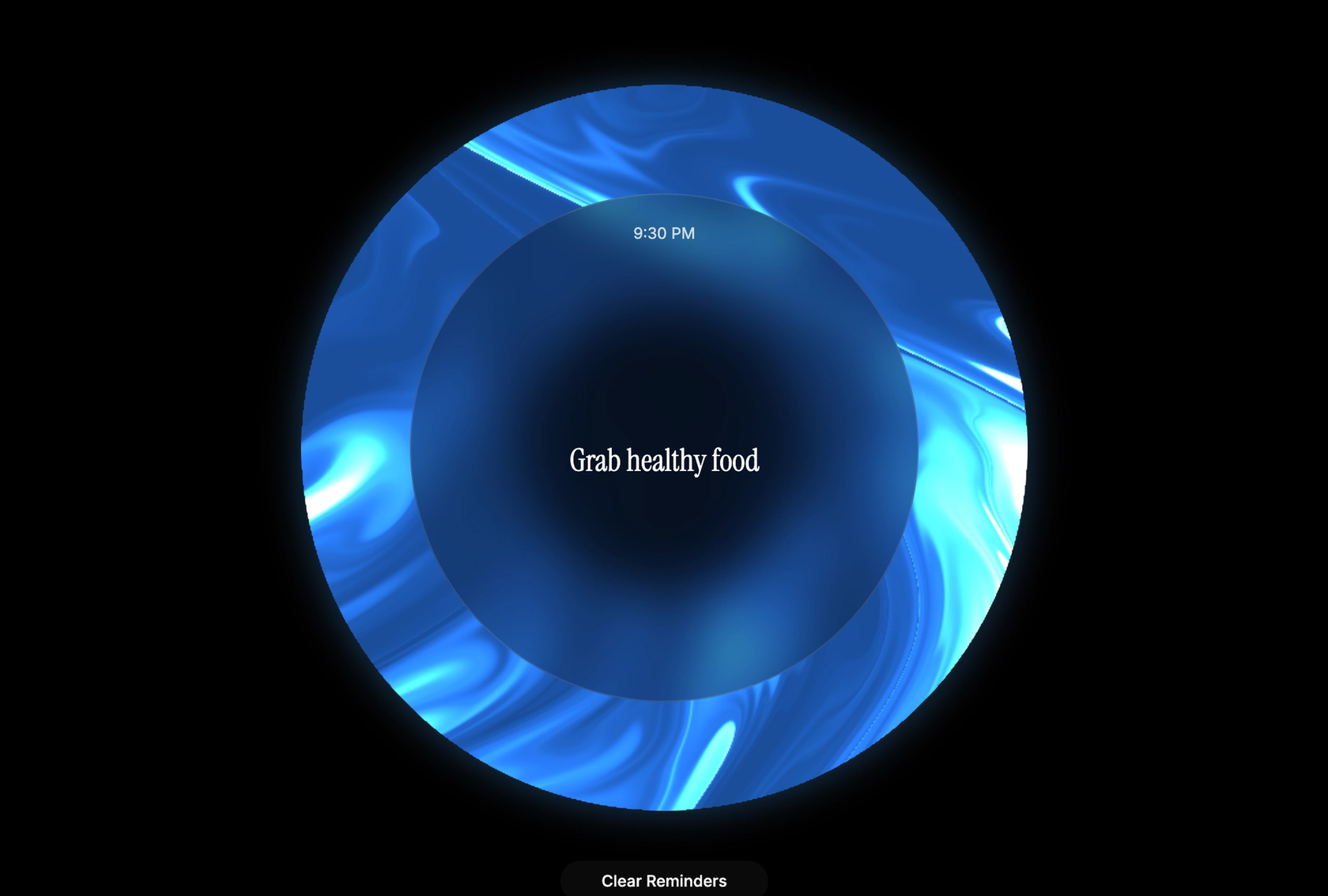
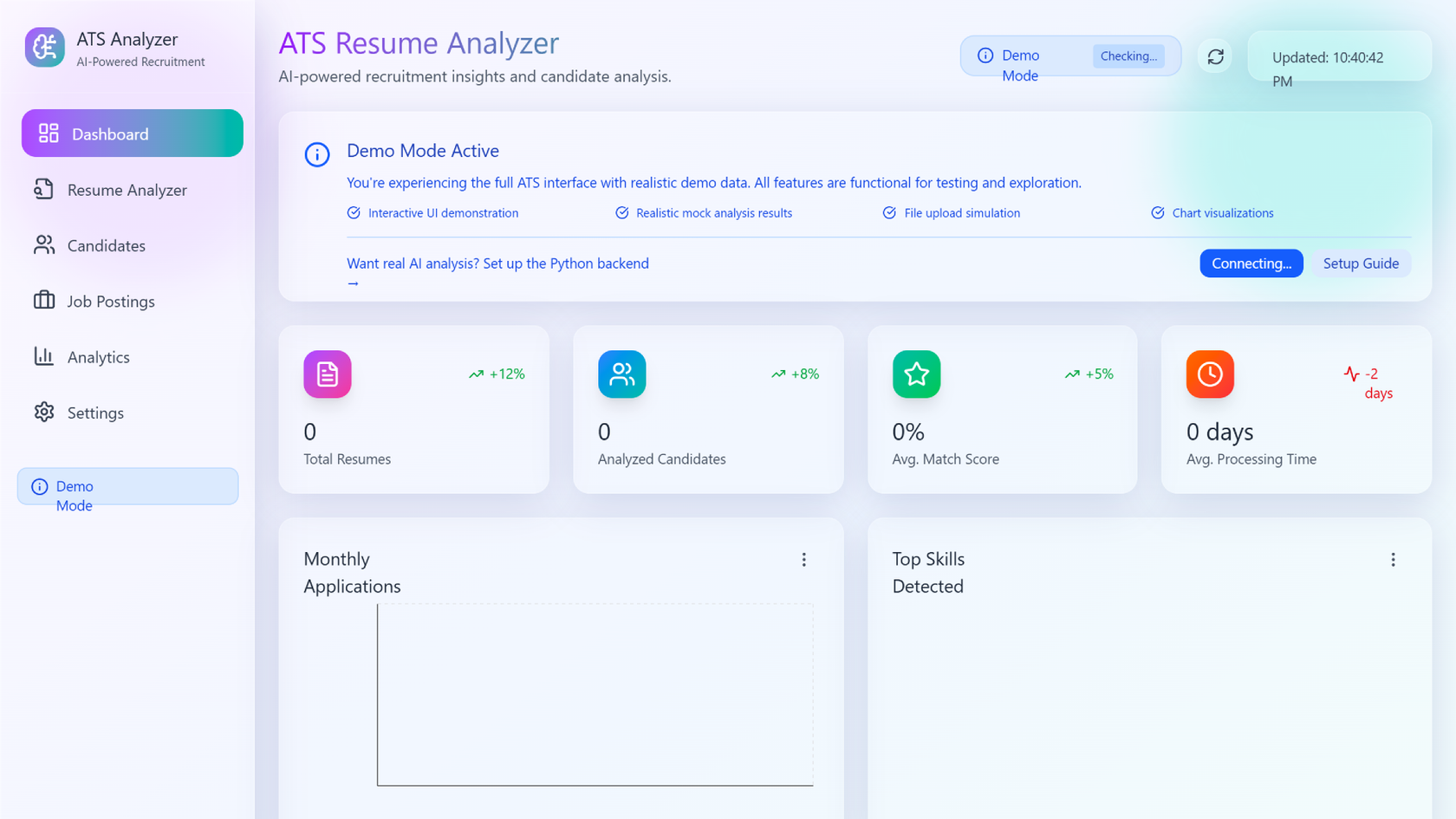
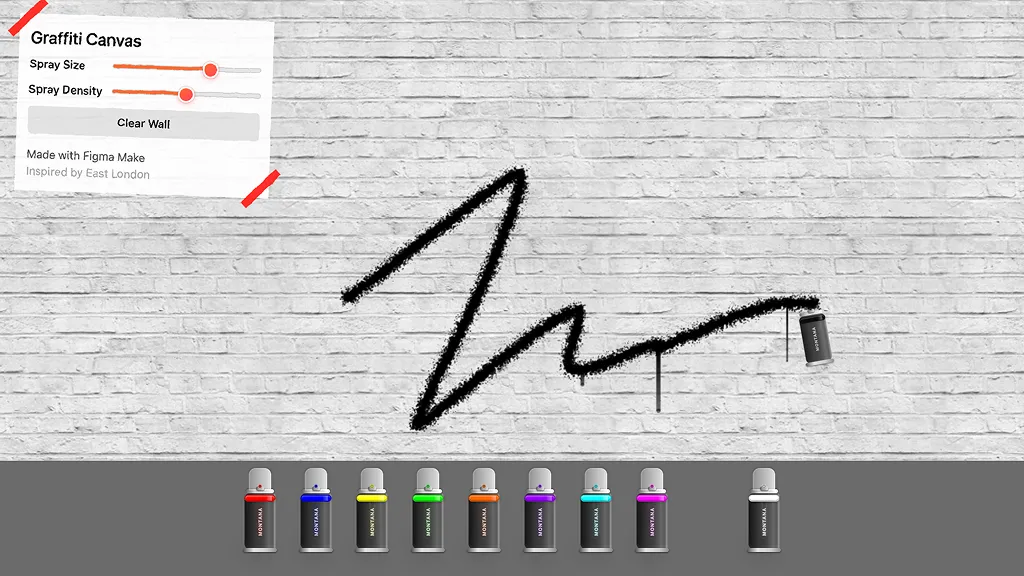
See how makers, designers, and PMs are using Figma Make to build no-code web apps—from internal tools to product MVPs.
- Jacques Debeuneure Jr.
- Daniela Muntyan

- kishoree04u

- Seungmee Lee







How to generate a prototype with AI in Figma Make
Create a screen in Figma Design—or copy one from an existing file.
Use a natural language prompt to define screens, structure, and interactions.
Figma Make generates a responsive, interactive prototype you can test and share.
Use more prompts or tweak the design directly—Figma Make keeps everything editable.
FAQs
A design to code tool turns visual layouts into functional code you can edit, test, or export. Figma Make uses AI to generate that code directly from your prompts.
Figma Make combines AI with your design structure to produce clean, editable code based on what you describe—no developer handoff needed.
Figma Make outputs HTML, CSS, and JavaScript for front-end prototypes. You can view and edit the code directly in the built-in editor.
No. Prompts are all you need to start. If you want more control, you can inspect and edit the generated code.
You can try Figma Make for free on the Starter plan. Advanced features are available on paid plans.
Yes. You can export your code, publish a working prototype, or share a live link.
Yes. Figma Make supports Supabase integration so you can simulate real-world data and test dynamic behaviors.
Figma's State of the Designer 2026 report found that AI tools are actively dissolving traditional boundaries between design and development—with PMs and developers participating earlier in the design process, and designers moving closer to working code. 80% of designers who increased their AI usage say it helps them collaborate more effectively across teams.
The data says it improves it. According to Figma's State of the Designer 2026 report, 91% of designers who increased their AI usage say it improves the quality of their outputs—not just their speed.
From the blog
A properties panel and annotations, now in Figma Make
With visual editing and annotations, Figma Make is bridging the gap between design and code. Select any element you want to change, adjust it directly in the properties panel, or write in-context prompts with annotations.
Workflow lab: Deploying designs directly with Figma Make
The handoff from design to code doesn't have to be a one-way street. This workflow shows how a designer can connect a codebase to Figma Make, make the changes directly, and bring the whole team into review—right up to the PR.

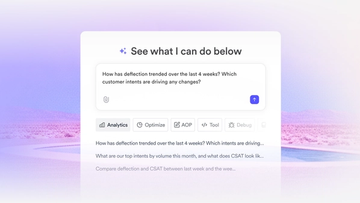
How Decagon uses AI for design system saturation
The fast-growing customer experience platform explains how Figma MCP and Figma Make helped them scale a new design system and keep pace with customer requests.
GPT-5.6 is now available in Figma Make
With accurate first results and fast iterations, OpenAI’s GPT-5.6 gives your builds a strong start in Figma Make.

Got skills? Make the Figma agent a better collaborator
From sharing your best thinking to learning from your team’s go-to prompts, here’s what skills unlock in the Figma agent.


4 ways we’re using our MCP server at Figma
The Figma MCP server reaches further across the platform than it ever has. From updating a living deck to shipping a design to production—here's what that looks like in practice.
More resources

What is MCP?
Read articleLearn about Model Context Protocol (MCP), the open standard that simplifies AI integration like a USB-C for data.

What is Vibe coding?
Read articleVibe coding combines mood-driven design with seamless coding to create immersive digital experiences that connect emotionally and function flawlessly.


How to design an app in five steps
Read articleBuilding an app requires research and constant iteration to meet customer needs. Learn how to design an app and how Figma can help in this guide.