
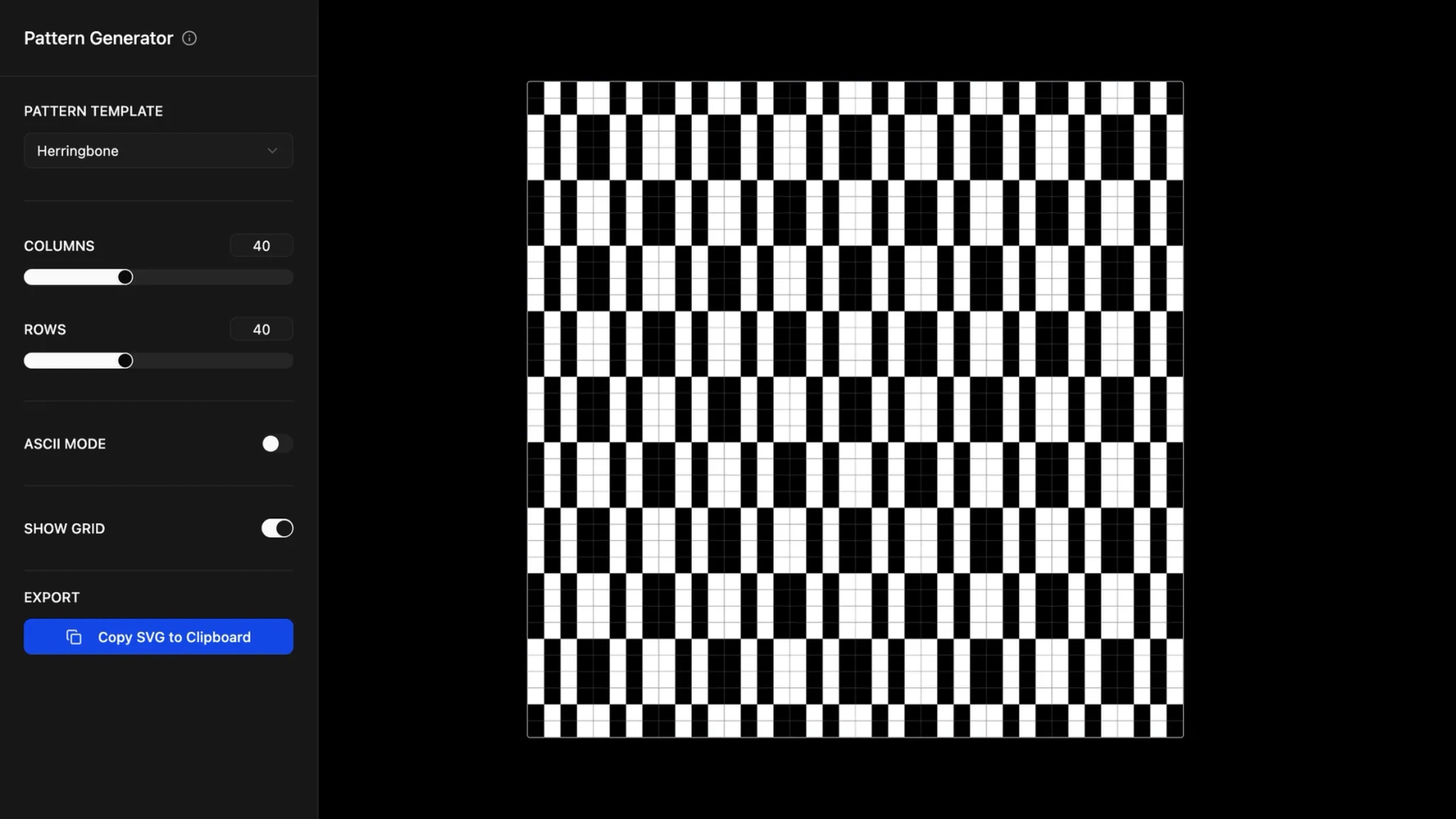

Design websites with AI in Figma Make
Your dream website layout, content, and structure - just say the word.
Design and build websites with AI

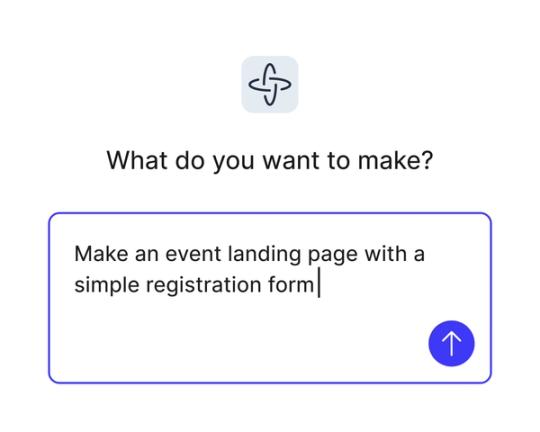
Generate layouts with natural language
From hero sections to contact forms, Figma Make creates polished UI for websites just using prompts.

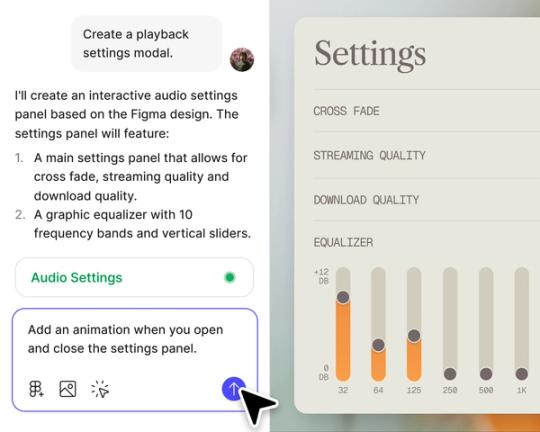
Design and prototype in one place
No tool-hopping. Design, test, and refine websites, all inside Figma Make.

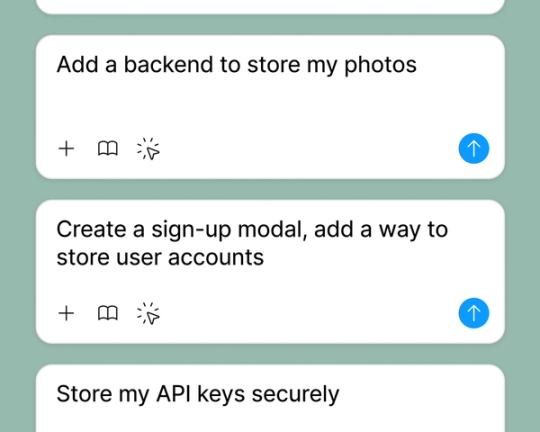
Test with real content and data
Connect to a backend and see how your site behaves with real data.

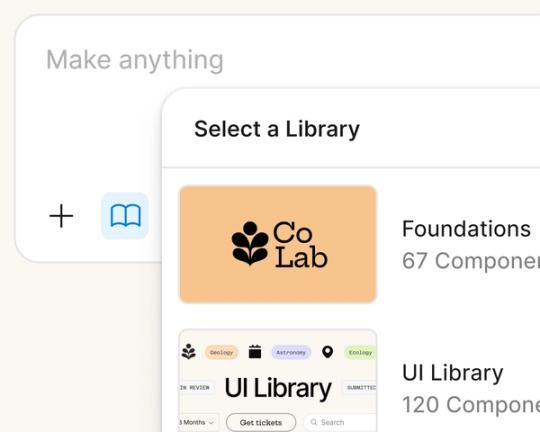
Style and edit your way
Use your reference styling context from a design library, or let Figma Make handle layout and styling for you.
Built by our community.
Get inspired by incredible websites created with our AI website builder. From startups to enterprises, see what's possible when creativity meets AI.
- Benjamin Leonard
- arshaikh

- abdullahimeg

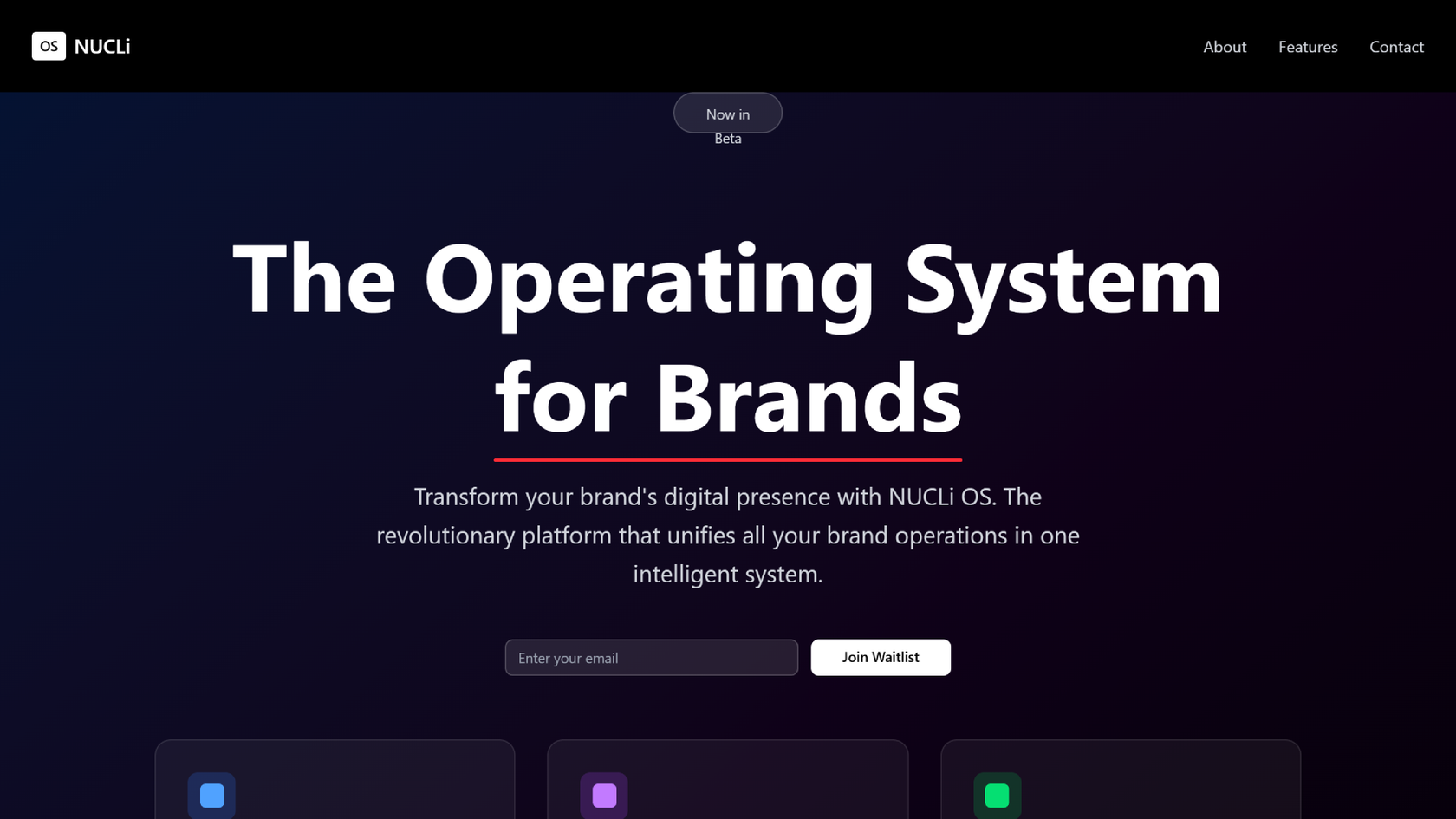
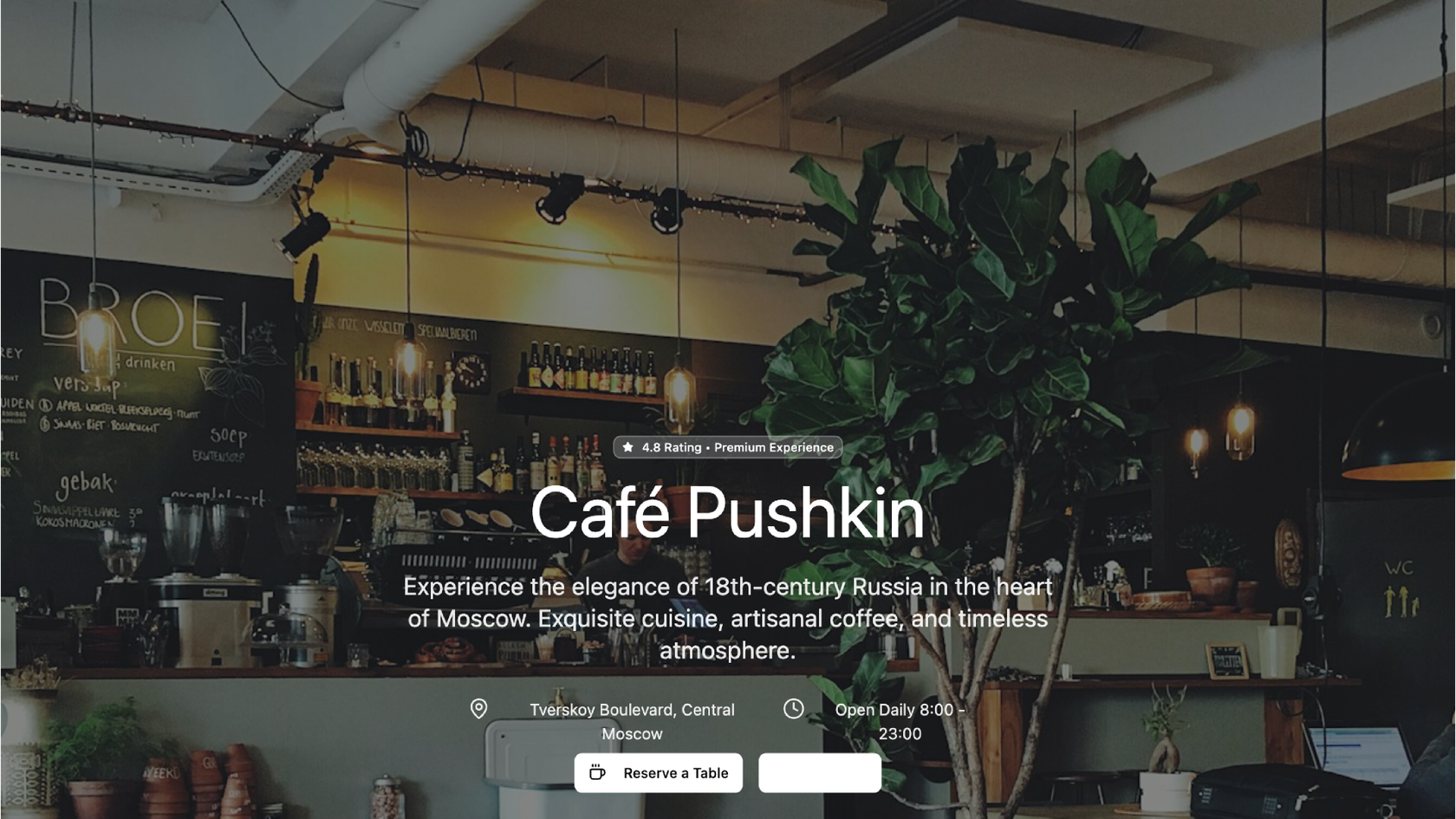
- AI generator








How to use AI for web design in Figma Make
Start from scratch in Figma Make or use an existing frame from Figma Design.
Use prompts to define your layout, content, and page structure.
Figma Make generates your design with styling and structure.
Make visual tweaks or prompt for changes. Then test or publish your site.
FAQs
AI web design uses natural language to generate layouts, styles, and sections automatically. In Figma Make, prompts turn into responsive websites - no coding required.
Yes. Figma Make lets you create, test, and share complete websites with the help of AI - right inside Figma.
Nope. You can prompt your way through layout and styling. And Figma Make makes it easy to refine designs with code as needed - yes, even for beginners.
You can try Figma Make for free on the Starter plan. Additional features are available on paid plans.
Yes. You can add a library to reference styling context, or let Figma Make apply auto-generated styling through your prompts.
Yes. Figma Make integrates with a backend so you can use real content or API data.
Yes you can publish your AI web design.
The data says not. According to Figma's State of the Designer 2026 report, 91% of designers who use AI tools say it improves the quality of their outputs. The designers who get the best results pair AI generation with their own creative direction—which is exactly how Figma Make is designed to work.
Rapidly. Figma's State of the Designer 2026 report found that 72% of designers now use generative AI in their workflows, with 98% increasing their usage in the last year. As one designer put it: "AI can be an excellent tool to help designers do things better or faster"—without replacing the designer's vision.
From the blog
A properties panel and annotations, now in Figma Make
With visual editing and annotations, Figma Make is bridging the gap between design and code. Select any element you want to change, adjust it directly in the properties panel, or write in-context prompts with annotations.
Workflow lab: Deploying designs directly with Figma Make
The handoff from design to code doesn't have to be a one-way street. This workflow shows how a designer can connect a codebase to Figma Make, make the changes directly, and bring the whole team into review—right up to the PR.

How Decagon uses AI for design system saturation
The fast-growing customer experience platform explains how Figma MCP and Figma Make helped them scale a new design system and keep pace with customer requests.
GPT-5.6 is now available in Figma Make
With accurate first results and fast iterations, OpenAI’s GPT-5.6 gives your builds a strong start in Figma Make.

Got skills? Make the Figma agent a better collaborator
From sharing your best thinking to learning from your team’s go-to prompts, here’s what skills unlock in the Figma agent.


4 ways we’re using our MCP server at Figma
The Figma MCP server reaches further across the platform than it ever has. From updating a living deck to shipping a design to production—here's what that looks like in practice.
More resources

What is MCP?
Read articleLearn about Model Context Protocol (MCP), the open standard that simplifies AI integration like a USB-C for data.


What is Vibe coding?
Read articleVibe coding combines mood-driven design with seamless coding to create immersive digital experiences that connect emotionally and function flawlessly.


How to design an app in five steps
Read articleBuilding an app requires research and constant iteration to meet customer needs. Learn how to design an app and how Figma can help in this guide.