
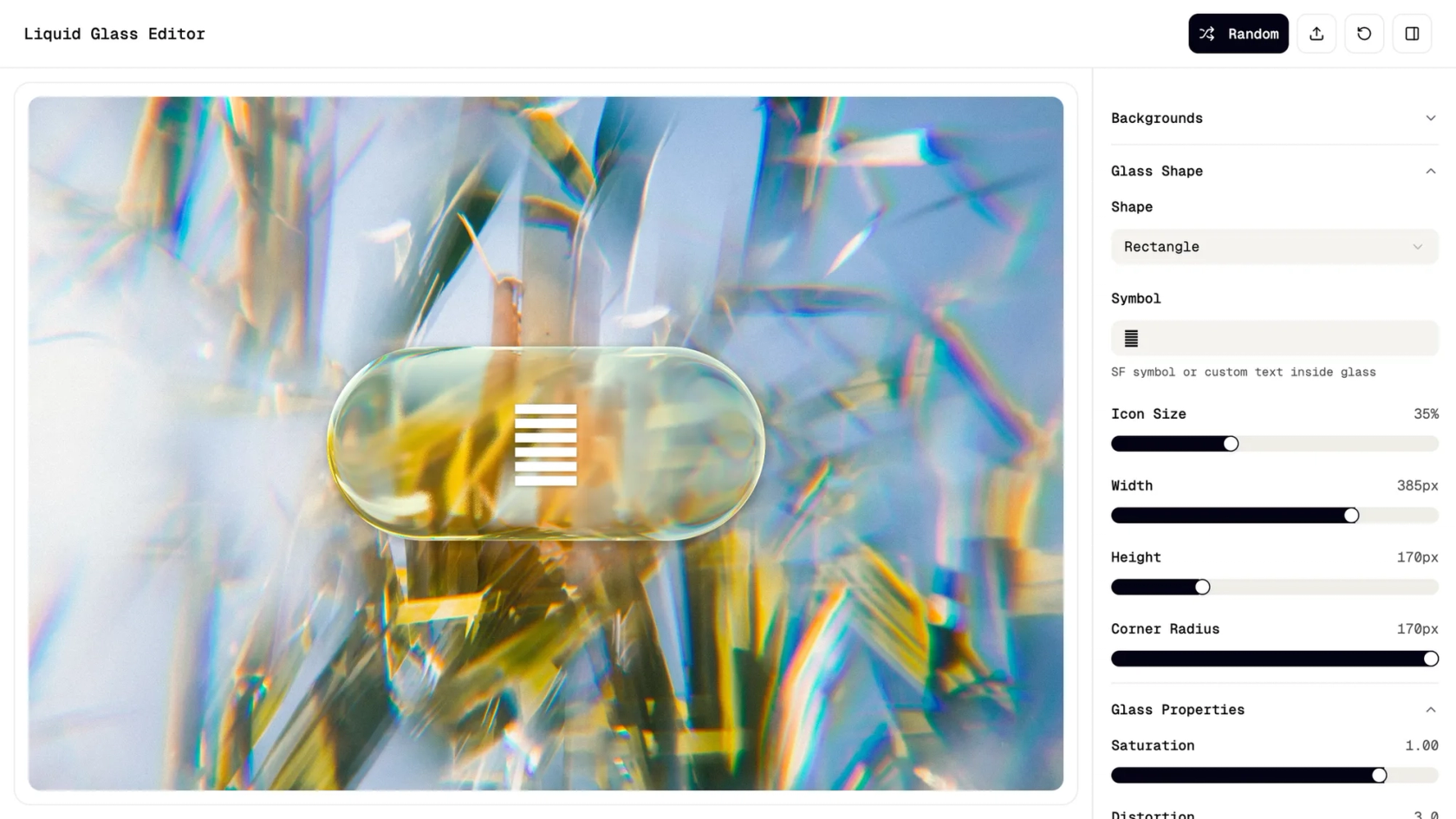

Your AI design tool, now in Figma Make
Create polished designs and visual assets in minutes—no coding required.
Design faster with AI

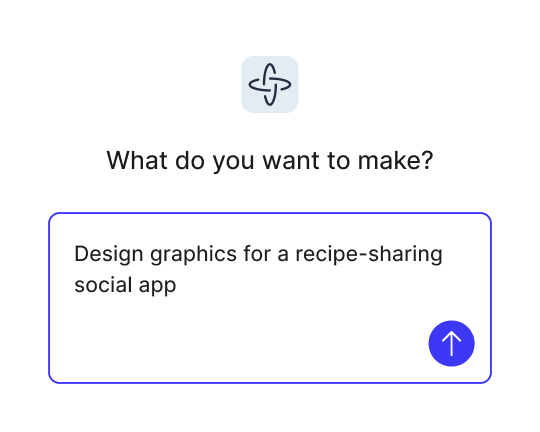
Turn ideas into reality
Transform simple prompts into complete visual concepts — graphics, flows, and branded assets ready for iteration or presentation.

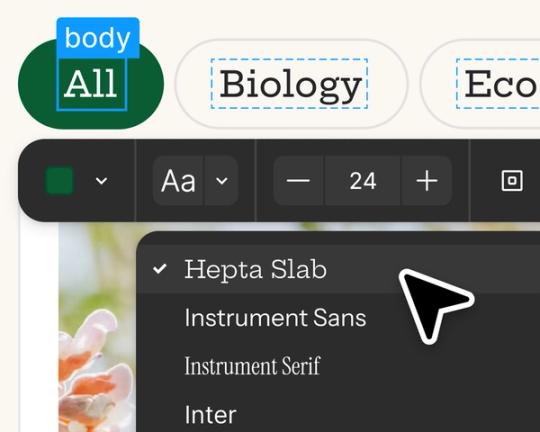
Edit and iterate with AI
Start with prompts, then refine in the visual editor, adjust the code for more control, or prompt again to explore new directions.

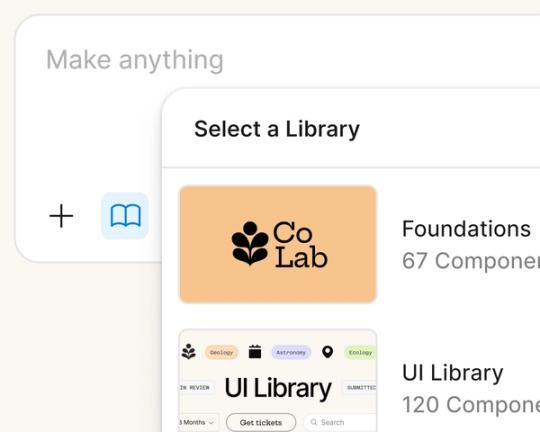
Design and build in one place
Stay in flow as you create, test, and refine in a single workspace, without switching between design and dev tools.

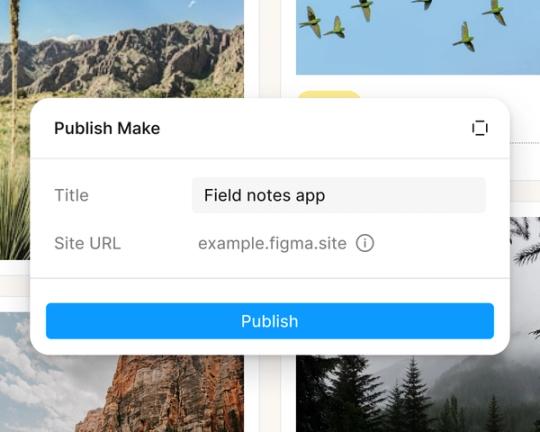
Showcase your work beautifully
Share interactive prototypes with pixel-perfect presentation
Built by real designers
See what designers are building with AI UI tools in Figma Make, from marketing pages to product dashboards to mobile-first flows.
- Daniela Muntyan
- Abhiram Ramoju

- Yossef Saeed

- Joshua Guo


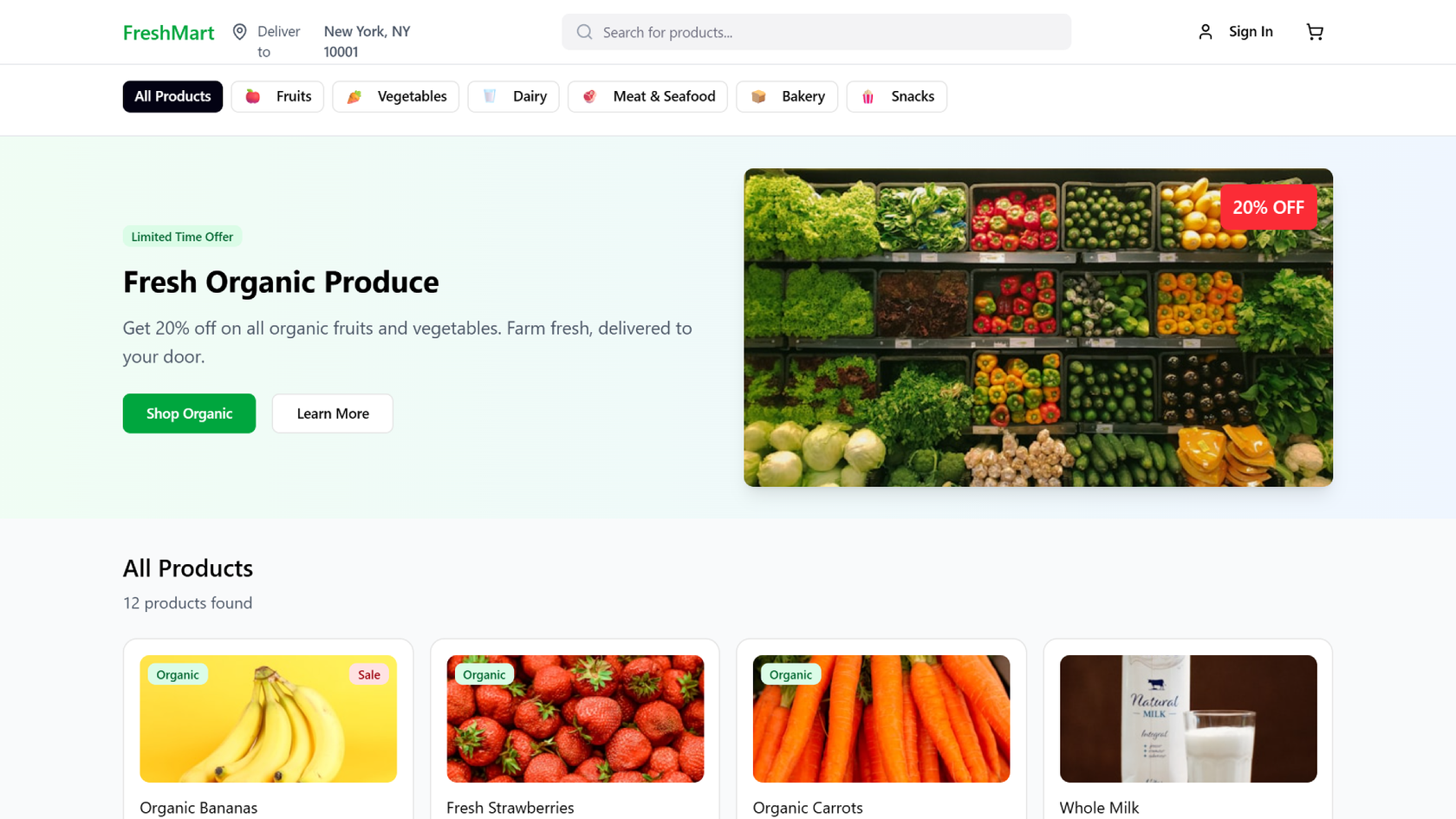


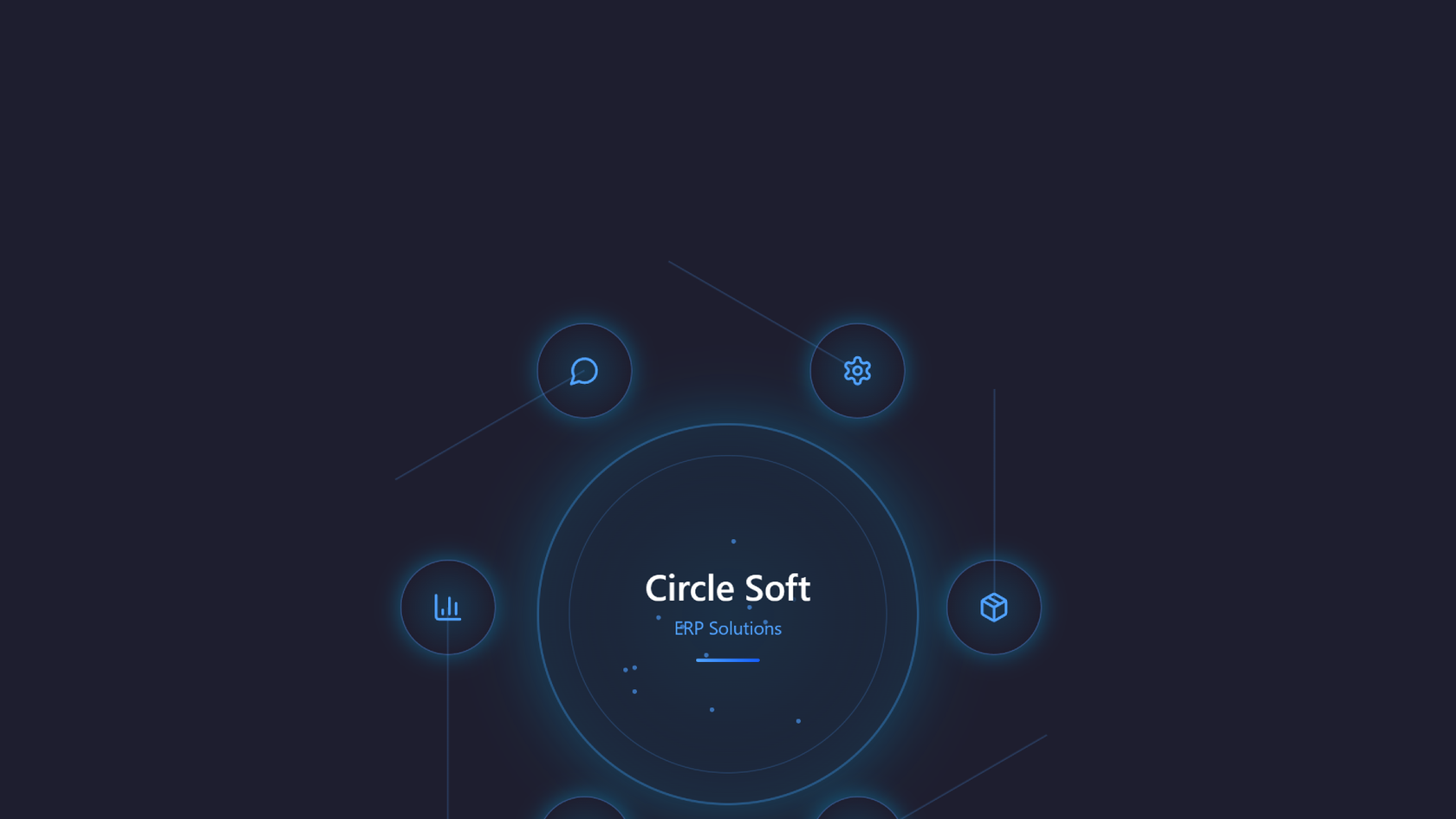


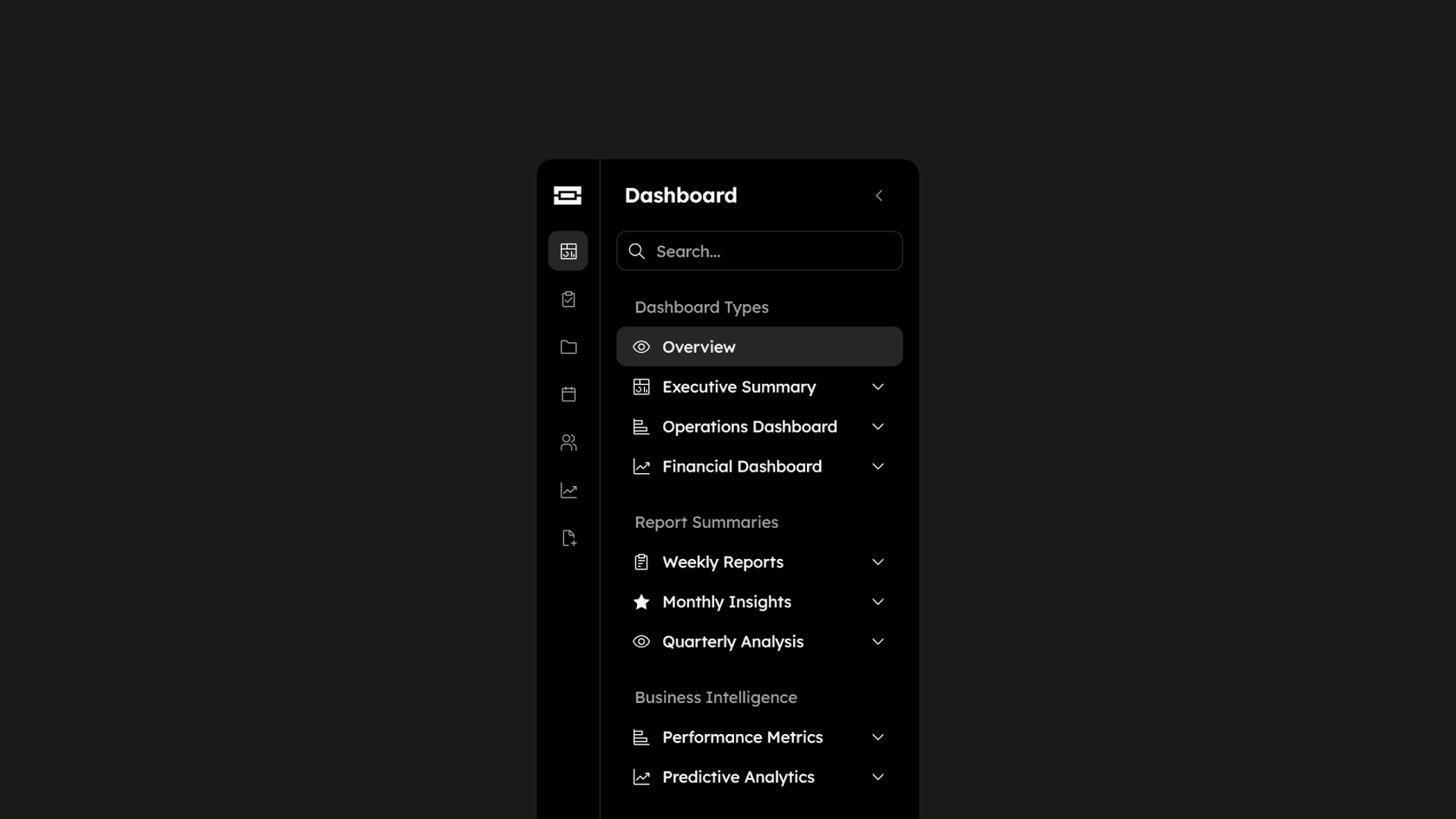

How to create stunning visual assets with AI in minutes
Start from scratch in Figma Make or use an existing frame from Figma Design.
Use a natural language prompt to define the style, composition, and elements you want—like colors, imagery, or typography. Example prompts:
- “Create a minimalist poster with bold sans-serif typography and a cool-toned color palette.”
- “Design a product hero graphic with vibrant gradients, clean icons, and modern text overlays.”
- “Make a social media post with playful shapes and bright, eye-catching colors.”
Figma Make transforms your prompt into a beautifully composed visual asset.
Update your prompt to fine-tune details like color balance, hierarchy, or effects—or refine directly in the editor.
FAQs
An AI design tool uses natural language to help you create layouts, styles, and structures automatically. Figma Make combines AI speed with full design control in one workspace.
Yes. Copy any frame or component from your Figma Design file into Figma Make. Then use natural language as a prompt to bring it to life.
No coding needed. But if you want to customize further, a built-in code editor is available.
You can try Figma Make for free on the Starter plan. Advanced features are available on paid plans.
You can build anything from simple flows to full-featured prototypes with real data and responsive layouts.
Yes. Figma Make supports backend integration to power your app with real user data.
Yes, you can publish a Figma Make app.
Both. According to Figma's State of the Designer 2026 report, 91% of designers who increased their AI usage say it improves the quality of their outputs—not just how fast they work. Figma Make is built on that same principle, giving you AI speed without sacrificing creative control.
Yes, and adoption is accelerating. Figma's State of the Designer 2026 report—based on a survey of 906 designers globally—found that 72% now use generative AI in their workflows, with 98% having increased their usage in the last year. Knowing how to use AI in the design process is now ranked the second most in-demand skill in the industry.
From the blog
A properties panel and annotations, now in Figma Make
With visual editing and annotations, Figma Make is bridging the gap between design and code. Select any element you want to change, adjust it directly in the properties panel, or write in-context prompts with annotations.
Workflow lab: Deploying designs directly with Figma Make
The handoff from design to code doesn't have to be a one-way street. This workflow shows how a designer can connect a codebase to Figma Make, make the changes directly, and bring the whole team into review—right up to the PR.

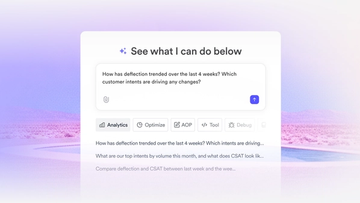
How Decagon uses AI for design system saturation
The fast-growing customer experience platform explains how Figma MCP and Figma Make helped them scale a new design system and keep pace with customer requests.
GPT-5.6 is now available in Figma Make
With accurate first results and fast iterations, OpenAI’s GPT-5.6 gives your builds a strong start in Figma Make.

Got skills? Make the Figma agent a better collaborator
From sharing your best thinking to learning from your team’s go-to prompts, here’s what skills unlock in the Figma agent.


4 ways we’re using our MCP server at Figma
The Figma MCP server reaches further across the platform than it ever has. From updating a living deck to shipping a design to production—here's what that looks like in practice.
More resources

What is MCP?
Read articleLearn about Model Context Protocol (MCP), the open standard that simplifies AI integration like a USB-C for data.

What is Vibe coding?
Read articleVibe coding combines mood-driven design with seamless coding to create immersive digital experiences that connect emotionally and function flawlessly.


How to design an app in five steps
Read articleBuilding an app requires research and constant iteration to meet customer needs. Learn how to design an app and how Figma can help in this guide.